
The First 30 Seconds – Identify What Actually Matters
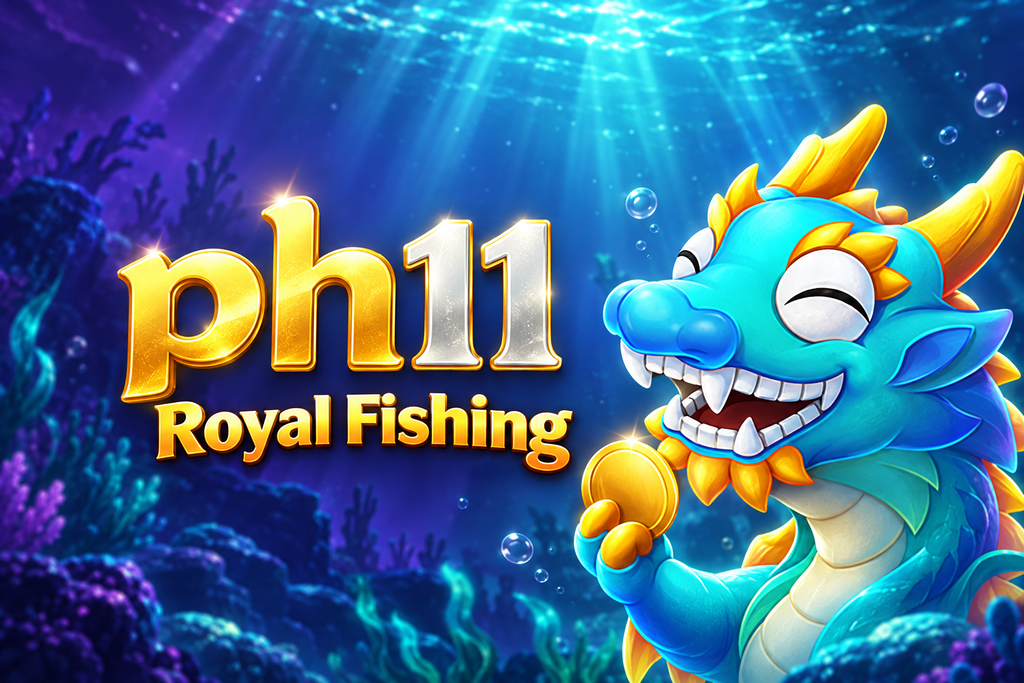
The underwater artwork in PH11 Royal Fishing immediately draws attention to a cheerful blue dragon, its golden horns, and a shining coin. Behind the character, beams of light descend into a deep-blue ocean filled with coral and bubbles.
These details create a memorable visual identity, but artwork and gameplay information serve different purposes.
Before starting a session, take thirty seconds to separate three things:
- Decorative elements that establish the underwater atmosphere.
- Interactive elements that respond when touched or selected.
- Information elements that explain available actions, progress, or results.
The golden coin in the promotional image, for example, suggests a reward-oriented theme. However, its appearance alone does not establish how any reward system works.
The same principle applies to animated characters, glowing effects, and colorful objects that may appear during gameplay.
Look for a help screen, rules panel, or control guide. These provide a more reliable starting point than interpreting symbols based on appearance.
This simple distinction helps players avoid one of the most common mistakes in visually rich games—assuming that everything important must be brightly colored.
Minute One – Build a Three-Point Control Map
A game becomes easier to understand when its controls feel predictable.
During the first minute, concentrate on learning the interface rather than completing objectives.
Create a mental map around three questions.
Where Does the Main Action Begin?
Identify the primary control used to start or continue gameplay.
Check whether it responds to a single tap, requires a selection, or opens another menu.
If the game includes adjustable controls, inspect their labels before changing anything.
Where Can Settings Be Adjusted?
Locate any available sound, graphics, language, or display settings.
These options can make a meaningful difference, particularly when playing on a smaller phone screen.
How Can a Session Be Paused or Exited?
Find the menu or navigation control before you need it.
A clear exit path is especially valuable when a game contains lengthy animations or multiple screens.
For PH11 Royal Fishing, the goal of this exercise is to understand the actual interface presented on your device, rather than relying on assumptions from promotional images.
A minute spent learning navigation can prevent repeated mistakes later.
Minutes Two and Three – Follow One Complete Action
The most useful gameplay observation is often the simplest one.
Choose a basic action permitted by the game and follow it from beginning to end.
Pay attention to four stages.
| Stage | What to Observe |
|---|---|
| Input | What happens immediately after you tap? |
| Animation | Which objects move, change color, or disappear? |
| Feedback | Is a result displayed through text, sound, or an icon? |
| Reset | How does the screen prepare for the next action? |
These stages form the game’s feedback loop.
A well-understood feedback loop makes it easier to distinguish meaningful events from decorative animation.
Suppose an underwater object flashes after an interaction. Does that flash indicate a completed action, an intermediate effect, or simply a visual transition?
Avoid deciding too quickly.
Watch whether the same indicator appears during subsequent actions and check the game’s instructions for its meaning.
This approach is particularly useful in fishing-themed games, where movement, water effects, and colorful animations can appear simultaneously.
Instead of trying to follow everything on the screen, concentrate on understanding one complete sequence.
Once that sequence becomes familiar, additional visual information becomes easier to interpret.
Minute Four – The Dragon and Coin Attention Test
The most recognizable element in the PH11 Royal Fishing artwork is the smiling turquoise dragon holding a golden coin.
From a design perspective, the image creates two strong points of attention.
The dragon provides personality. Its expression makes the underwater setting feel approachable rather than threatening.
The coin introduces a recognizable visual symbol associated with collecting and achievement.
Yet neither element should automatically be treated as a functional gameplay indicator.
Use this distinction to perform an attention test.
Imagine dividing the screen into three areas:
- The central action area, where gameplay events occur.
- The information area, where controls or instructions appear.
- The decorative area, where background characters and effects establish atmosphere.
Ask yourself which area deserves your attention during an active moment.
In many fast-moving games, repeatedly looking toward decorative elements can make important changes harder to notice.
The practical skill is learning when to appreciate the artwork and when to focus on information that affects your next decision.
This is not about ignoring the game’s design. It is about using that design without becoming distracted by it.
Minutes Five and Six – Compare Two Short Rounds
A single gameplay attempt rarely gives enough information to judge how a game behaves.
Instead, compare two short periods using the same basic approach.
During the first period, focus on the controls.
Notice whether your inputs are registered promptly and whether the interface makes the next step obvious.
During the second period, focus on feedback.
Observe whether the screen clearly communicates completed actions and whether you can understand what happened without guessing.
Afterward, compare your observations.
Did the interface feel more familiar during the second period?
Were important indicators easier to recognize?
Did you discover an instruction or setting that you overlooked initially?
The purpose is to measure your understanding—not to search for a supposedly lucky sequence.
Games may contain randomized outcomes, changing animations, or event variations. Repeating an action does not necessarily produce an identical result.
For that reason, PH11 Royal Fishing gameplay should be evaluated through clarity, responsiveness, and documented rules rather than imagined patterns.
A useful experiment answers a practical question. It does not attempt to predict an uncertain result.
Minutes Seven and Eight – Test the Game Under Real Conditions
Promotional images are usually designed for maximum visual impact. Actual mobile gameplay involves smaller screens, different lighting conditions, and occasional interruptions.
Use the next two minutes to examine how comfortably the game fits your device.
Check Text Readability
Can you recognize important labels without zooming in?
Look especially closely at small icons, settings, and instructions.
If text is difficult to read, try an available display adjustment or rotate the device when the game supports it.
Check Touch Accuracy
Buttons should be large enough to select without repeatedly hitting neighboring controls.
If taps feel inconsistent, determine whether the problem occurs throughout the interface or only in one area.
Check Animation Smoothness
Underwater games often rely on layered visual effects.
Observe whether movement remains smooth when several effects appear together.
If the device becomes warm or the animation starts stuttering, lower available graphics settings and close unnecessary background applications.
Check Network Stability
If the game requires an internet connection, brief interruptions may affect loading or response times.
A stable connection generally provides a better environment for judging performance.
Testing these conditions makes the experience more comfortable and gives a clearer picture of how the game works outside its promotional presentation.
Minute Nine – Create a One-Page Player Record
The final minute should produce something useful.
Rather than attempting to remember every detail, write a short record of what you learned.
A simple PH11 Royal Fishing session record might contain the following information:
| Question | Example Observation |
|---|---|
| Was navigation easy? | Main menu was easy to locate |
| Were controls responsive? | Inputs registered without repeated tapping |
| Was information readable? | Some smaller labels needed closer attention |
| Was gameplay feedback clear? | Most actions had recognizable visual responses |
| What needs another look? | Rules describing special effects |
These are illustrative observations, not verified findings about a particular version of the game.
The value lies in recording your own experience accurately.
You can also add a personal comfort rating for sound, animation speed, and visual clarity.
When returning to the game later, this record helps you remember which settings worked and which features still need explanation.
It is especially helpful if you switch devices, encounter an updated interface, or return after a long break.
Turn Visual Effects into Useful Information
The underwater theme of Royal Fishing is built around movement and contrast.
Bright blue surfaces stand against darker ocean scenery. Golden highlights draw the eye, while light rays and bubbles create a sense of depth.
These visual techniques make a scene attractive, but they can also increase the amount of information competing for attention.
A useful habit is to classify effects into three categories.
Confirmation Effects
These communicate that an action has been registered or completed.
Their exact appearance depends on the game interface.
Transition Effects
These indicate that the screen is moving between stages, menus, or activities.
They may look dramatic without representing an outcome.
Atmospheric Effects
These include decorative movement, background lighting, and environmental animation.
They contribute to the experience without necessarily changing gameplay.
Learning these categories can make PH11 Royal Fishing easier to follow, particularly when several visual elements appear at once.
If an effect remains unclear, consult the game’s available rules before assigning it a meaning.
Troubleshooting Without Losing Your Progress
A simple troubleshooting routine is more useful than repeatedly restarting the game without identifying the problem.
When something seems wrong, begin with the symptom.
If the screen stops responding, check whether the device itself is experiencing delays.
If animations become uneven, review available graphics settings and background applications.
If a menu appears unfamiliar, confirm whether the interface has changed or whether you entered a different section.
If gameplay information seems inconsistent, review the instructions and any available activity record.
For account-related problems, avoid sharing passwords or verification codes with anyone claiming to offer unofficial assistance.
Use only the support options presented through the service you have verified.
Keeping screenshots of error messages can also make technical problems easier to describe.
The important distinction is between a technical issue, a misunderstanding of game rules, and an outcome that simply differs from expectations.
Each situation requires a different response.
Make Ten Minutes a Useful Playing Session
A short session works best when it has a clear purpose.
For example, one visit might focus entirely on understanding the controls. Another might examine display settings or identify unfamiliar interface symbols.
Trying to investigate everything simultaneously often leads to confusion.
Choose one question, spend a few minutes testing it, and record what you discover.
Set a stopping point before beginning, particularly if the game involves chance-based rewards or paid participation. Understanding the rules and controlling your time matter more than continuing simply because an animation feels exciting.
The strongest measure of a successful session is whether the experience was enjoyable, understandable, and comfortable on your device.
Frequently Asked Questions
What type of game is PH11 Royal Fishing?
PH11 Royal Fishing is presented with an underwater fishing-game theme featuring a blue dragon mascot and golden visual elements. Specific gameplay mechanics should be confirmed through the version’s rules and interface.
Does the golden coin indicate a guaranteed reward?
No. A coin shown in promotional artwork does not establish a guaranteed reward or explain how outcomes are determined. Check the actual game rules for that information.
How can beginners understand the gameplay more quickly?
Start by identifying the main controls, reading the instructions, and observing one complete action. Short practice sessions focused on a single feature can reduce confusion.
Why might gameplay feel different on another phone?
Screen size, touch sensitivity, processing power, graphics settings, and network conditions can influence the experience. Adjust available settings and compare performance under similar conditions.
Can animation patterns predict the next result?
Decorative animations alone are not reliable evidence of future outcomes. If the game includes randomized mechanics, previous results do not establish what will happen next.